Automatically Enrich YNAB Transactions Using Email Receipts
Click Here To Copy The Free Workflow
⚠️ A quick note on security and privacy is included further down.
📢 Disclosure: I work for n8n in their marketing department, but I am not compensated for any of the links below. The opinions expressed here are my own and do not reflect those of n8n GmbH.
Why I Built This
If you’ve ever used YNAB (You Need A Budget) , you already know it’s both brilliant and brutal.
It forces you to approve and categorize every transaction you make. That discipline is what makes YNAB powerful, but it also makes it difficult to be consistent. If you're not consistent all these transactions pile up and coming out from under it is even more difficult as you know how much work is piling up.
The memo field, by default, is blank. So when transactions import, you’re often left with payee lines like:
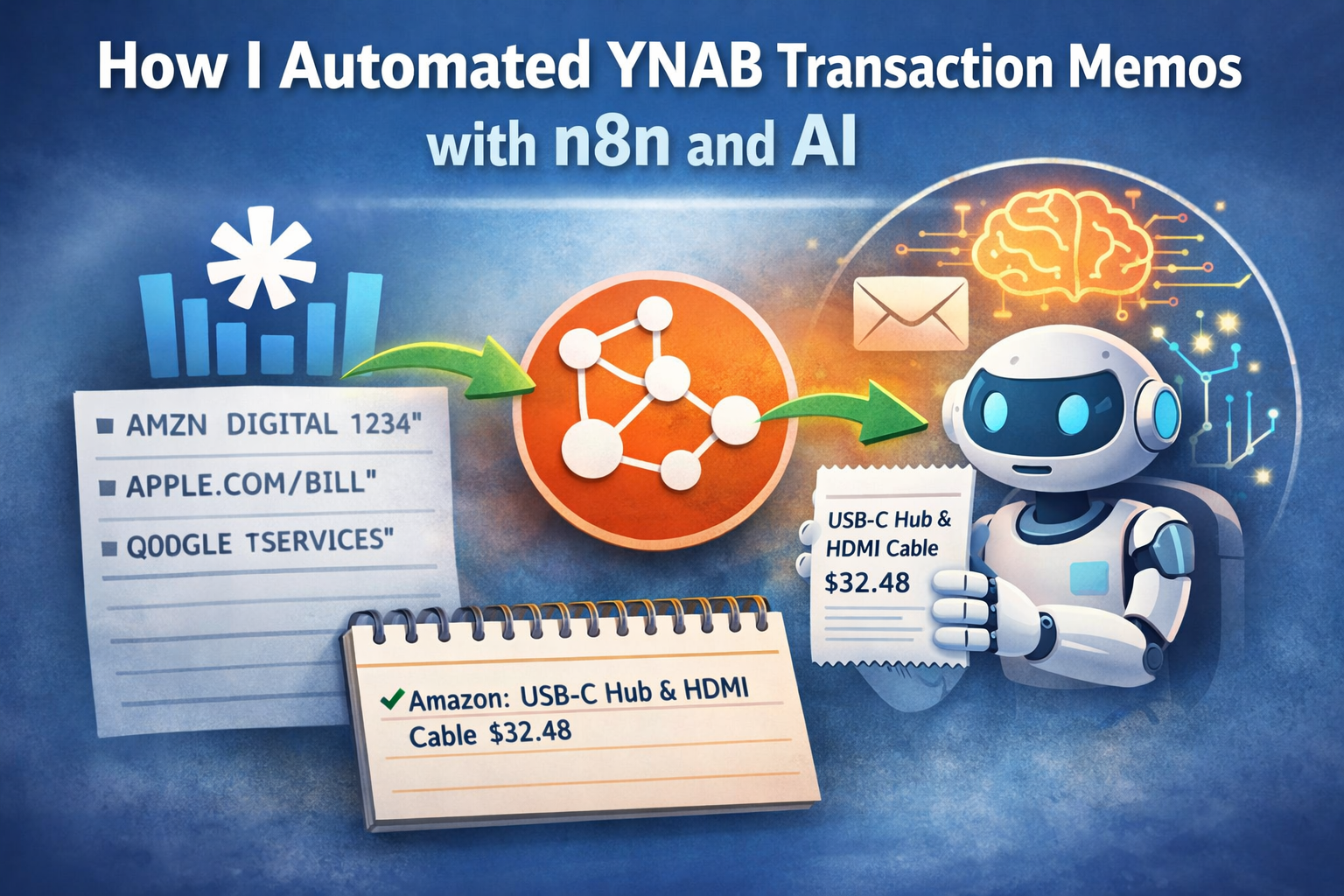
“AMZN DIGITAL 1234”
“APPLE.COM/BILL”
“GOOGLE *SERVICES”
None of that tells you what you actually bought.
Yes, there is a link to the purchases page, but that is yet another tap to open, a scroll to find, and then another tap to close. And then you still have to decide whether to type the information into the memo field for long term storage.
I’ve spent years trying to improve this, from reverse-engineering Amazons ever-changing email html structure to trying fruitlessly to reverse engineer their backend api. Sometimes workarounds helped for a while, then eventually broke.
Once AI became practical to integrate, the idea finally clicked:
“Why not just feed the entire receipt email to an AI and have it tell me what I bought?”
That realization led to this workflow. In the past I had to know exactly where in the HTML to look to know what was purchased. With AI, even if the HTML structures changed, the AI could still parse out the values inside it.
Who Is This Workflow For?
If you’re new to automation, deploying an n8n workflow can involve a learning curve. Because of that, this workflow is best suited for more technical users.
The good news is that your cost, in time or money, depends largely on how hands-on you want to be.
Completely Free (Self-Hosted)
This option requires the most technical knowledge, but offers the most control. You’ll need to deploy n8n on your own infrastructure, typically using Docker.
When I say “free,” I mean aside from the electricity running your machine. You’ll need:
- n8n Community Edition (runs free in Docker)
- An SSL solution such as Traefik or another free provider
- A DNS provider like Cloudflare for authentication and tunneling
- An AI provider (LM Studio, Ollama, or Gemini’s free tier)
- The workflow template
If you already have these things in your homelab, you probably already have n8n deployed as well.
Low Cost Using n8n Cloud
This is the fastest and least technical option. You don’t manage infrastructure, just configure the workflow and credentials.
- n8n Cloud (this workflow runs hourly, which is 730 times a month to give you an idea of cost)
- An AI provider: LM Studio, Ollama, Gemini, or paid services like OpenAI or Anthropic
- The workflow template
How the Workflow Works
This n8n workflow connects YNAB, your email, and an AI model to automatically fill in missing memo details.
The current version focuses on Amazon purchases because Amazon receipts are consistent and made a good starting point. However, the workflow is intentionally designed so you can extend it to Apple, Google, and other merchants with minimal changes.
The workflow runs on a schedule, webhook, or manual trigger. It pulls all unapproved transactions, filters those missing memos, and attempts to match them with receipt emails within a ±5-day window.
When a match is found, the email is sent to an AI agent, which extracts purchased items and prices. The transaction memo is then updated with something readable, such as:
“Amazon – USB-C Hub & HDMI Cable – $32.48”
If no email match is found, the workflow writes a simple fallback memo so the transaction doesn’t get stuck retrying.
In practice, it’s accurate about 80–90% of the time, and it has significantly reduced my weekly budgeting cleanup.
Copy the workflow here:
https://go.n8n.io/amazon-ynab-sync
Setup notes included.
A Note on Security and Privacy
This is where the security-conscious side of me needs to speak up.
When you use a cloud-based AI model, you are sharing detailed purchase history and portions of personal email data with that provider.
That data may be logged, analyzed, or used for training, and you generally have no way to independently verify how it’s handled.
That doesn’t mean it’s unsafe, but it is something worth thinking about. For example if you use Gmail and then use Gemini for AI processing, the data is staying in the same ecosystem. This doesn't mean it's safe, but it does give you more context.
The Local AI Alternative
While more complex than using a hosted AI service, I’ve had good results running LM Studio locally on my M4 Mac as the AI provider for workflows like this.
For more advanced setups, you can use Ollama , which runs large language models locally on macOS, Linux, or Windows. It’s powerful, but requires more setup.
In my spare time, I’m also experimenting with a fully on-device version of this workflow.
On iOS, Apple exposes an on-device language model via the Shortcuts app, allowing emails to be processed with no cloud AI and no internet connection.
It’s a slower side project, but it’s the direction I’m most excited about.
I’ve already published a related workflow using local AI on iPhone , mainly to show that this approach is feasible.
Hosting Options
I personally self-host n8n using the Community Edition to maintain full control over my data.
If you prefer not to manage infrastructure, n8n Cloud works just as well.
Final Thoughts
This started as a small personal automation, but it’s become a permanent part of my budgeting workflow.
The AI isn’t perfect, but it’s accurate enough to make budgeting feel far more manageable. And with on-device AI becoming practical, I’m excited about what privacy-first automation enables next.
If you use YNAB and shop on Amazon, this workflow will likely save you time. And if you’re comfortable extending it, it’s a solid foundation for Apple, Google, and other receipt-driven services.
(You’ll find the newsletter link in the site footer if you’d like updates on future workflows.)